Connect an order using the same email
The short answer
If your verified account email matches the checkout email, eligible guest orders can be connected without typing an email code.
What to do
- Sign in with the email you used at checkout.
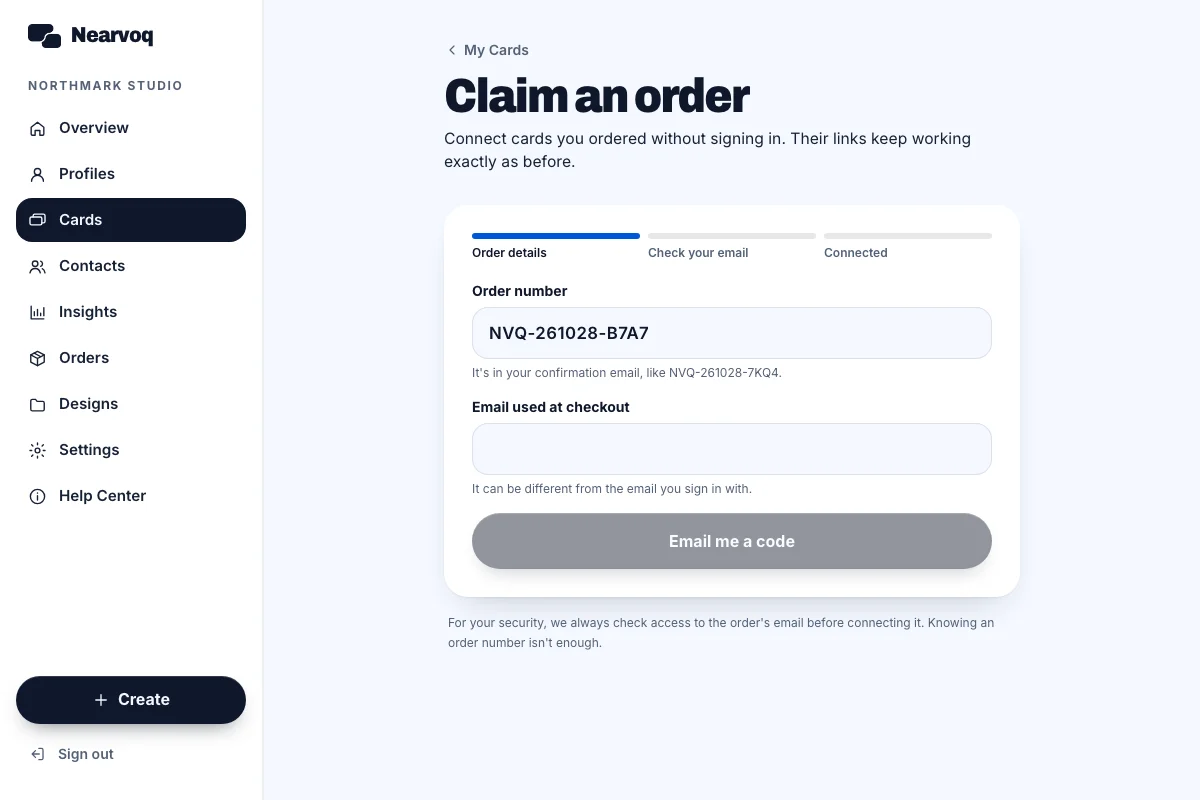
- Open the dashboard, or go to My Cards and choose Claim an order.
- Find the matching order and choose the connect action.
- Open My Cards and Orders to check that it is now in your account.
Good to know
Only eligible paid orders can be connected. A card can be connected before it is physically delivered; production and delivery statuses are separate.