How it works
You don't need to understand NFC, design software or 3D. Here's everything that happens, start to finish.
Your side
- 1
Upload your logo
Drop in your logo and business name. We extract your colors and generate a polished design in seconds.
- 2
Choose what it does
Google reviews, contact sharing, bookings, menu, socials or any link. Add the details in a few fields.
- 3
Personalize in 3D
Swap templates, adjust colors and finishes, flip to the back and preview the page your customers will see.
- 4
Order and pay online
Pick Basic or Custom, set where your card leads and pay securely with Stripe. Production starts once your payment is confirmed.
- 5
Receive your ready card
Your card arrives programmed and printed. Tap it once with your own phone, and you're live.
- 6
Manage everything online
Edit your profile, change where any card leads, see taps and scans, and get contacts, in your free account. Ordered without one? Connect your cards in a minute.
Your customer's side
Tap or scan
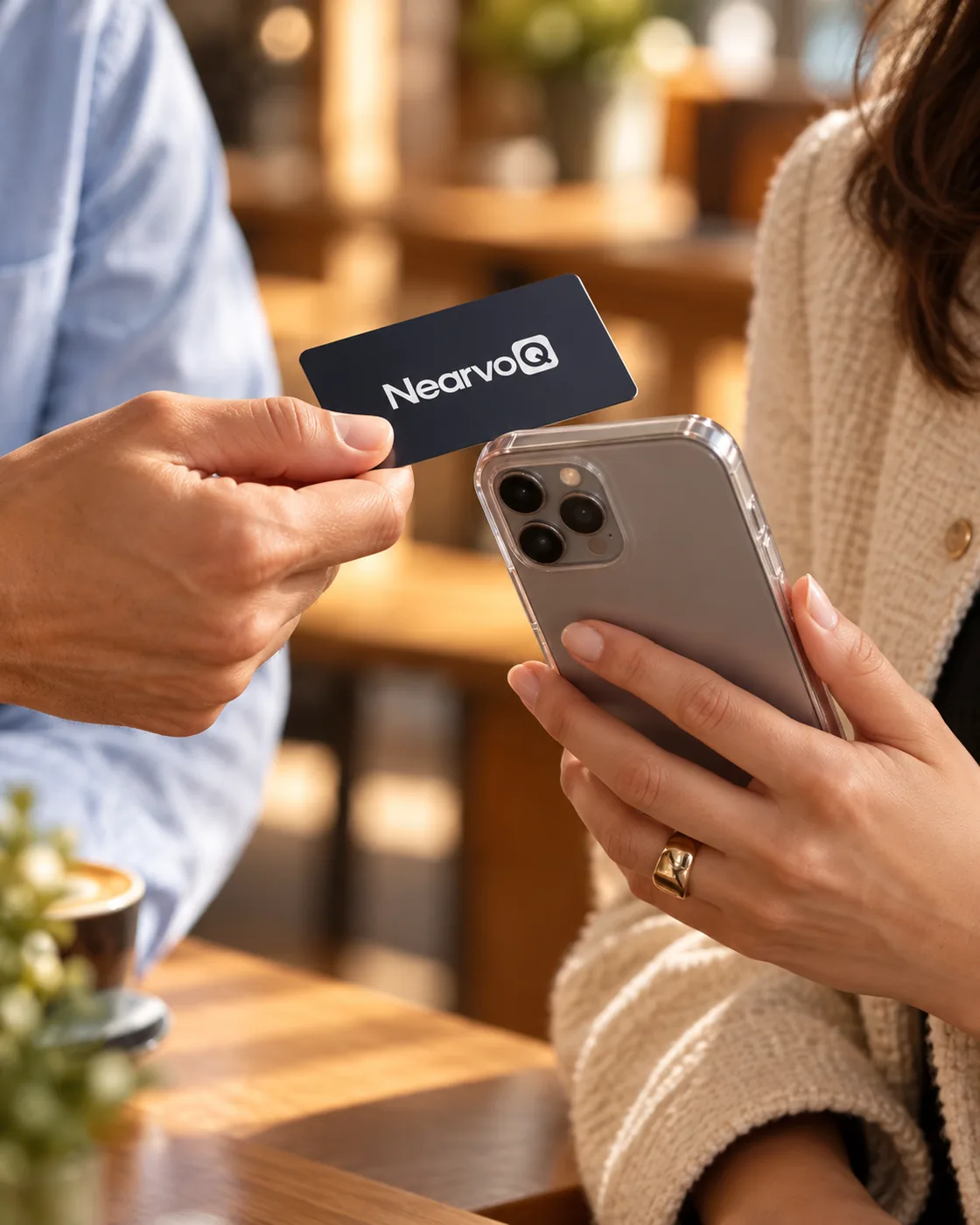
They hold their phone near the card, or scan the QR code with the camera.
Your page opens
Instantly, in their browser, with no app to install.
They take action
Save your contact, leave a review, book, follow or browse.
What's inside (if you're curious)
Each card contains a small passive NFC chip that phones read when they come close, plus a printed QR code as a backup. There's no battery and nothing to charge.
Start Connecting
Upload your logo and watch your card come to life in seconds. No design skills, no account needed.