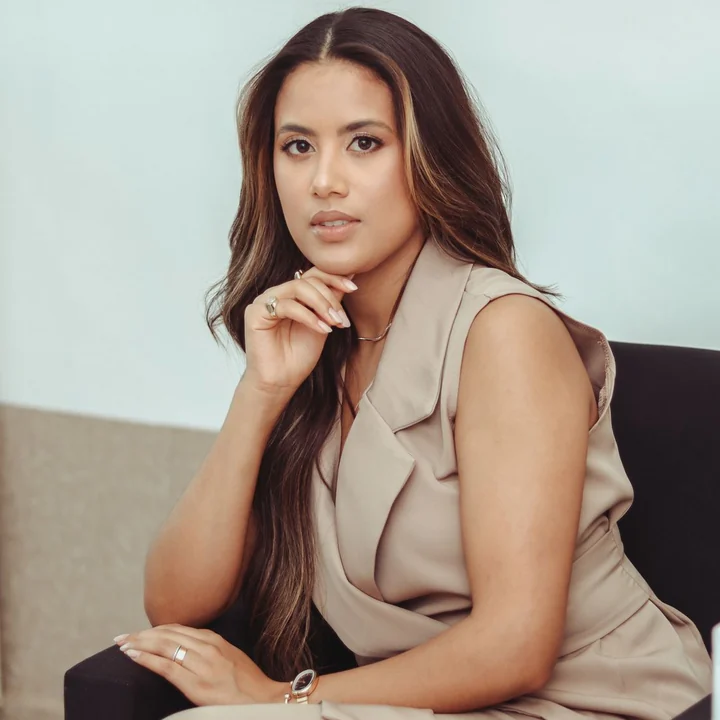
Maya Torres
Founder & Strategy LeadNorthline Advisory
Strategy for growing teams
Maya Torres
Founder & Strategy LeadNorthline Advisory
Strategy for growing teams
Short answer
Decide the one thing you want people to do, build a one-page profile around it (your name, a short line about what you do and three to five buttons), then share it through a link, a QR code and, if you meet people in person, an NFC card. Keep the page short enough to read on a phone in ten seconds. A digital business card is only as good as its first screen, so put your best button at the top and check it on your own phone before you share it.
Updated
Do you want calls, bookings, Google reviews or website visits? One answer decides your first button and keeps the page focused.
Say what you do for whom in a short line, such as "Mobile car detailing in your driveway". People decide in seconds whether to keep reading.
A face for a person-first business, a logo for a brand. Square or round images crop well on phones.
Call, email, book, website, Instagram, Google review. More than five buries the one you care about. See the checklist of what to put on it.
A phone number and email people can save in one step. A profile with a Save contact option puts you in their phone without typing; what a vCard is explains how that works.
Open it on your own phone and on a friend's. Check the first screen, every button and the Save contact flow.
Send the link, show the QR code, and tap an NFC card if you have one. How NFC business cards work covers the physical side.
| Route | Good for | Watch out for |
|---|---|---|
| A free profile builder like NearvoQ's | Getting a real page, QR code and Save contact in minutes | The free plan shows NearvoQ branding |
| A phone app | Quick sharing from your own phone | Some require both people to install or sign up |
| A website page you build yourself | Full control of design | No Save contact or QR out of the box, and you maintain it |
| A QR code with your contact details inside | Offline sharing | Gets dense and cannot be edited; see static vs dynamic QR codes |
Readability beats decoration. Use one accent color, keep text dark on a light background, and avoid long paragraphs. A short about section of two or three sentences is enough; the buttons do the work.
If you plan a physical card, design the front for the person holding it and let the profile carry the details. NearvoQ's 3D studio has 100 templates, and the Basic card needs no design at all.
A basic one takes about ten minutes: a name, a headline, a few buttons and a photo. You can improve it later without sharing a new link.
It can be. NearvoQ's free plan includes 1 profile with a QR code and Save contact. Physical cards are optional from $19.99.
No. It opens in the phone's browser from a link, a QR scan or an NFC tap.
Your name, a one-line headline, a photo or logo, a way to save your contact and three to five buttons for what you want people to do.
Start Connecting
A profile, QR code and Save contact in minutes. Add a card later.